Plant Disease Identifier: What's wrong with your plant?
Upload a photo of a sick leaf or plant and get an instant AI diagnosis — plus step-by-step treatment instructions. Identifies overwatering, pests, fungal infections, nutrient deficiencies, and more.
Upload sick plant photo
or take a photo of the affected area
Diagnosing your plant…
This usually takes a few seconds
Care Essentials
Tailored care for your plant
Light
—
Water
—
Temperature
—
Soil
—
Humidity
—
Did you know?
WHAT YOU’RE SEEING
TREATMENT PLAN
SAFETY CHECK
TOXIC PARTS
TOXIC COMPOUNDS
SYMPTOMS IF INGESTED
FIRST AID
🌿 Safe Alternative:
Without a care plan today, expect…
Real gardeners miss watering too. Our app sends you a follow-up overdue alert if you miss a reminder — so no plant gets forgotten on busy days.
Plant diseases spread fast to nearby plants. Our app sends treatment reminders and follow-up alerts — catching missed doses before the problem reaches healthy plants.
Toxic plants need ongoing vigilance. Our app tracks which plants in your collection are toxic and sends safety alerts — keeping pets and children safe every day.
Your Smart Care Plan for Today
Care Schedule
Tailored care for your plant
Misting Schedule
Mist at 8AM, 12PM, 4PM to prevent brown tips
Pruning Reminder
Remove 2 yellowing leaves next Monday for best growth
Fertilizer Plan
Organic homemade banana peel liquid — recipe inside
Or jump to a common issue:
How to Diagnose a Sick Plant
A plant in distress is almost always trying to tell you something specific. Yellow leaves mean one thing when they start from the bottom, something very different when the new growth is affected. Brown tips are a different story than brown edges. Powdery white residue and fuzzy grey mold look superficially similar and require completely opposite treatments. The difference between saving your plant and losing it often comes down to reading the symptoms correctly in the first 48 hours.
This tool uses AI trained on tens of thousands of photographs of plant diseases, pests, and environmental stresses — but understanding what the AI is looking at will help you use it more effectively, and recognize problems earlier next time.
The four categories of plant problems
Nearly every plant issue falls into one of four buckets. Knowing which bucket you're in narrows the diagnosis dramatically:
- Environmental stress — over/underwatering, wrong light levels, temperature extremes, low humidity, repotting shock. By far the most common cause of houseplant problems, and the most frequently misdiagnosed as disease.
- Nutrient deficiencies — nitrogen, potassium, magnesium, iron, and calcium deficiencies each show distinctive patterns. Nitrogen yellows old leaves first; iron yellows new leaves while veins stay green; calcium causes tip burn.
- Pests — spider mites (webbing, stippling), mealybugs (white cottony clusters), aphids (sticky residue, clustered on new growth), fungus gnats (flying near soil), scale (brown bumps on stems), thrips (silver streaks).
- Diseases — fungal (powdery mildew, leaf spot, root rot, botrytis), bacterial (leaf spot, soft rot), and viral (mosaic patterns, stunted growth). Less common than the first three but often more serious.
How to take a photo that diagnoses accurately
Disease diagnosis is more photo-sensitive than plant identification. The AI needs to see the actual symptoms clearly, which means closer shots and better lighting. A few rules:
- Close up, not zoomed out. Fill the frame with the affected leaf or area. A shot of the whole plant from across the room gives the AI almost nothing to work with.
- Natural light, shot flat. Angle the camera roughly parallel to the leaf surface. Shadows from side-lighting can look like disease symptoms they aren't.
- Show the worst affected area. If one leaf is badly damaged and others are borderline, photograph the worst one. The AI diagnoses from clear symptoms, not ambiguous ones.
- Include context when relevant. If you suspect root rot, a photo of the base of the stem or wet soil helps. If you suspect pests, a leaf underside shot is essential — most pests hide there.
- Skip filters and HDR. Color accuracy matters enormously for disease diagnosis. The color of yellowing tells you whether it's nitrogen, iron, or magnesium.
Common diagnostic mistakes people make
Most home plant problems are misdiagnosed as disease when they're actually environmental. If a plant looks terrible, before you assume it has something wrong medically, check these first:
- Watering — stick a finger 2 inches into the soil. Wet? Probably overwatered. Bone dry all the way down and lightweight pot? Probably underwatered. Both produce similar-looking symptoms; the cause is opposite.
- Light — is the plant getting the light it needs? A fiddle leaf fig in a dim corner will yellow and drop leaves no matter how perfectly you water it.
- Recent changes — did you move the plant, repot it, change its pot, turn on heating, open a window? Plants hate sudden change and often react 1–3 weeks after the trigger.
- Pot and drainage — no drainage holes means guaranteed root rot eventually. A pot too large means soil stays wet too long.
If none of these explain the symptoms, then you're likely looking at a real pest or disease — and that's where the diagnostic tool earns its keep.
When AI diagnosis isn't enough
This tool is good at identifying the most common 50+ diseases and conditions that account for roughly 95% of houseplant problems. For rare diseases, outdoor agricultural crops, or situations where multiple problems overlap on the same plant, you may need more than AI. A local nursery, county extension office, or botanical garden's plant clinic can examine the plant physically — useful for advanced cases the AI flags with low confidence.
For common issues though — the yellow leaves, the white powder, the sudden wilting, the tiny webs under the leaves — the tool will nail the diagnosis and get you to treatment in under a minute.
What happens after the diagnosis
The diagnosis is the easy part. The treatment is where your plant is saved or lost. Follow the treatment steps carefully and give the plant time — most recovery timelines are two to four weeks minimum, and new damage will continue appearing for the first week even after you've started treating correctly. Don't panic-escalate treatment because "it's still getting worse." Let the initial treatment work before adding more.
For ongoing plant care beyond this one problem — watering reminders, light tracking, recurring care guides for every plant you own — the LivePlant app handles the long-term side. For now, the tool above handles the crisis.
Common plant problems, identified instantly
Click any condition for a full guide to symptoms, causes, and treatment.
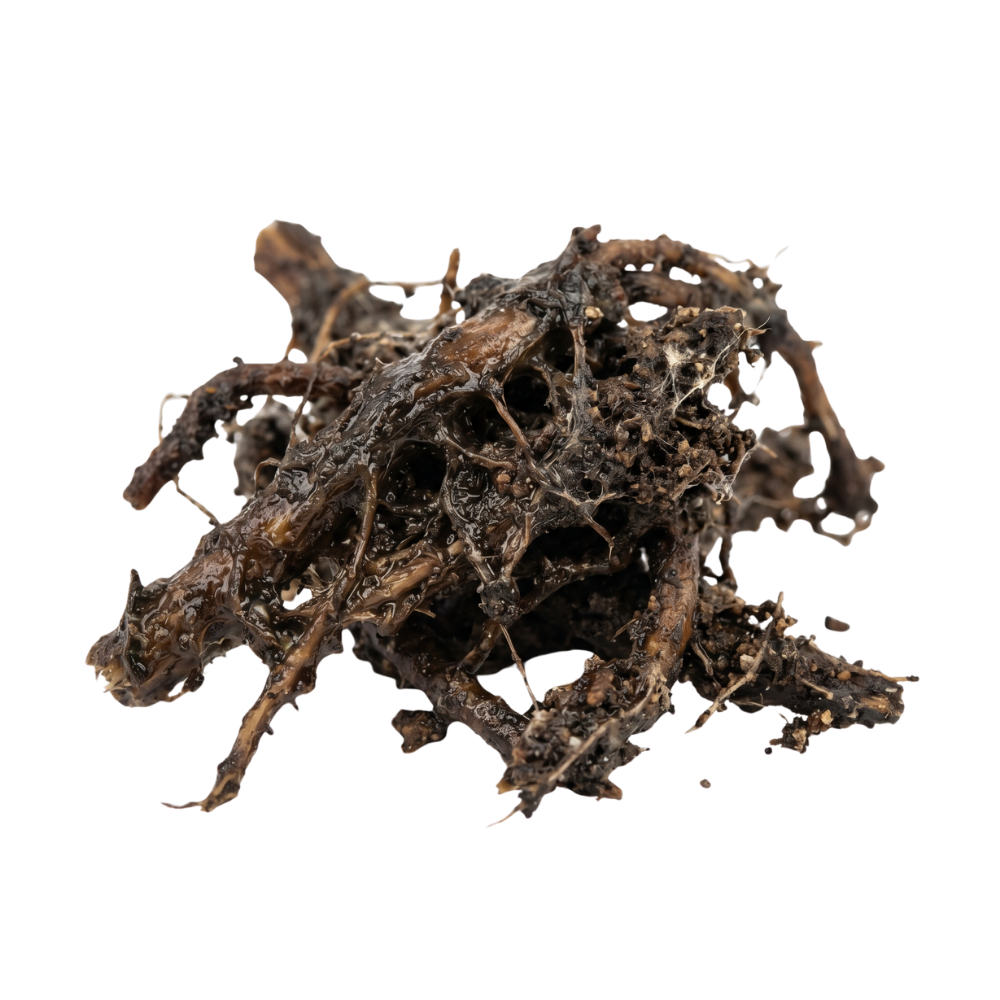
Root Rot
Overwatering · Fungal
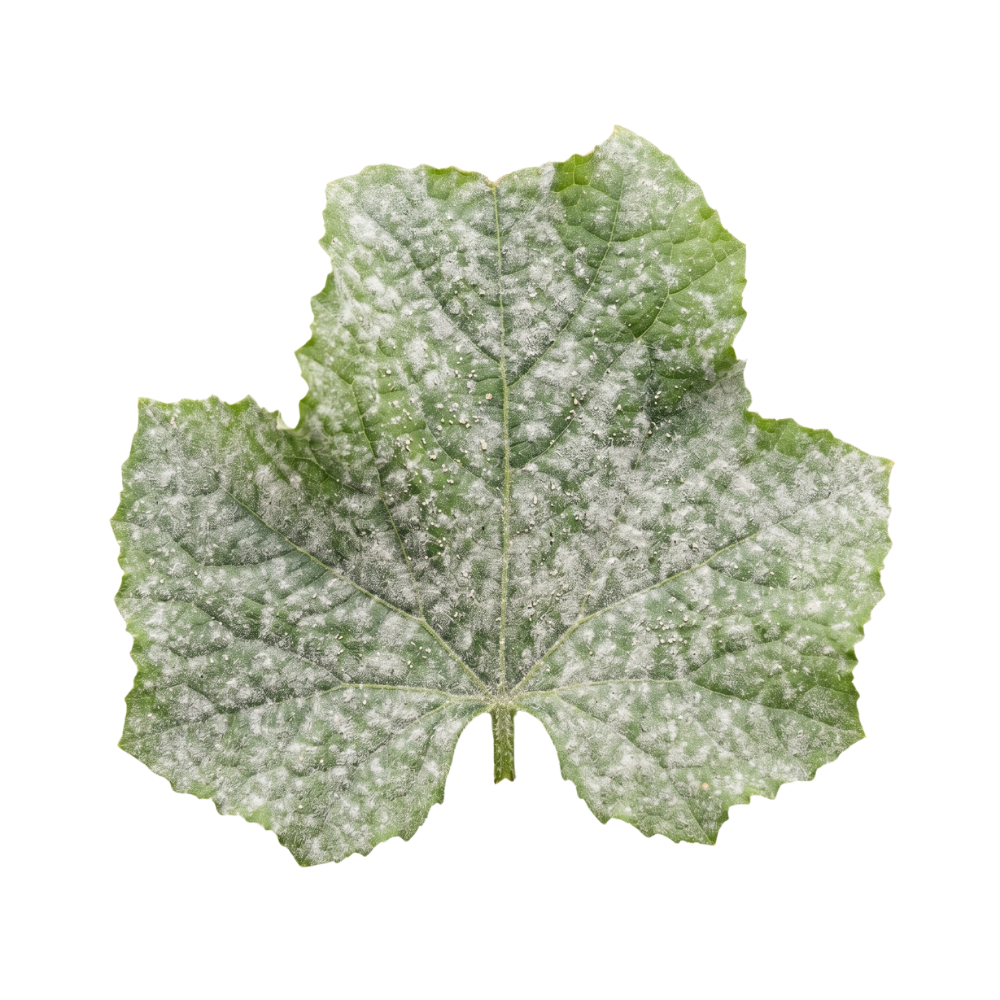
Powdery Mildew
Fungal · Common
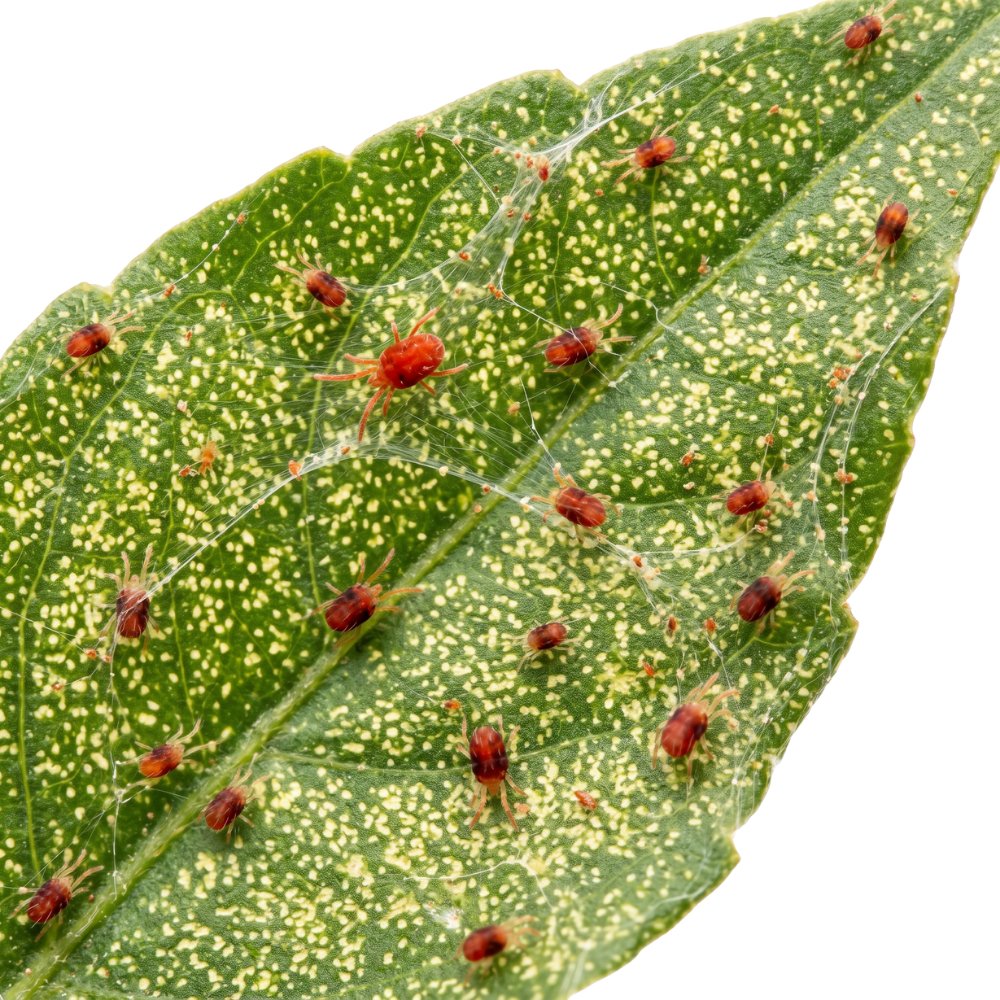
Spider Mites
Pest · Webbing
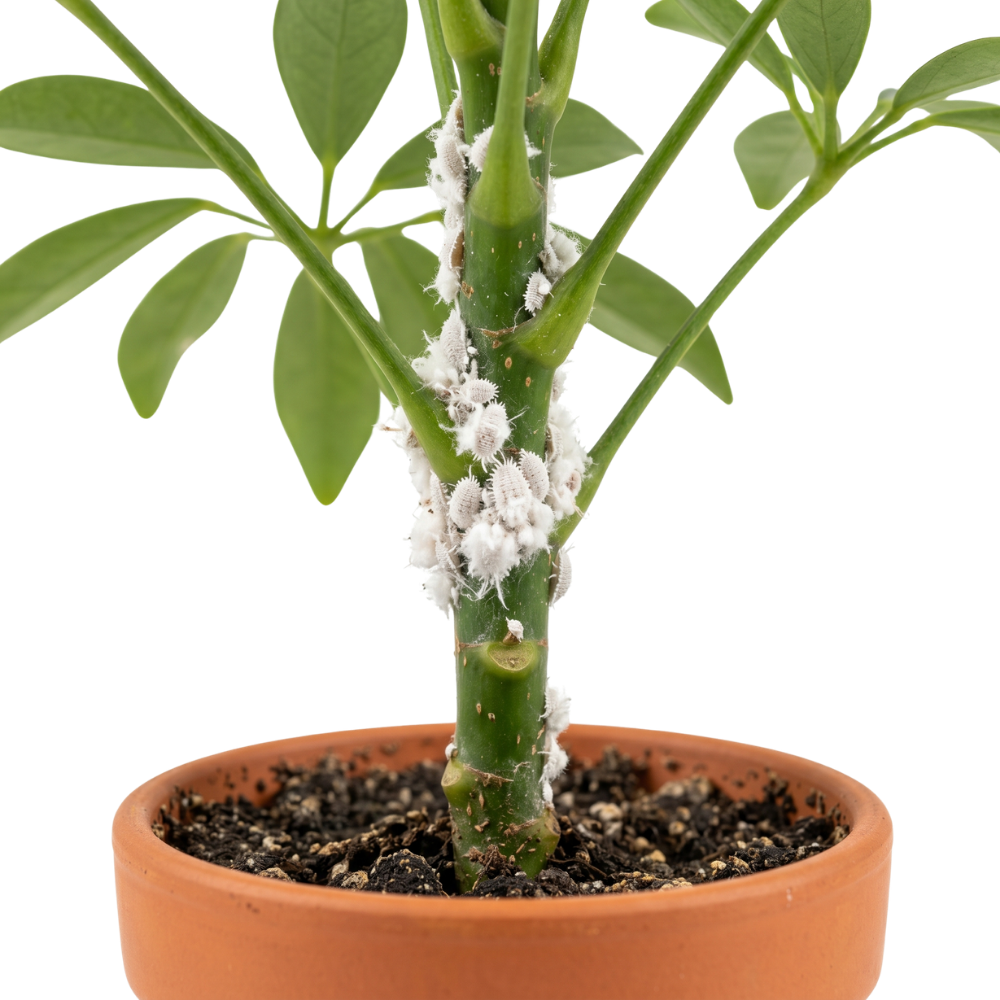
Mealybugs
Pest · White clusters
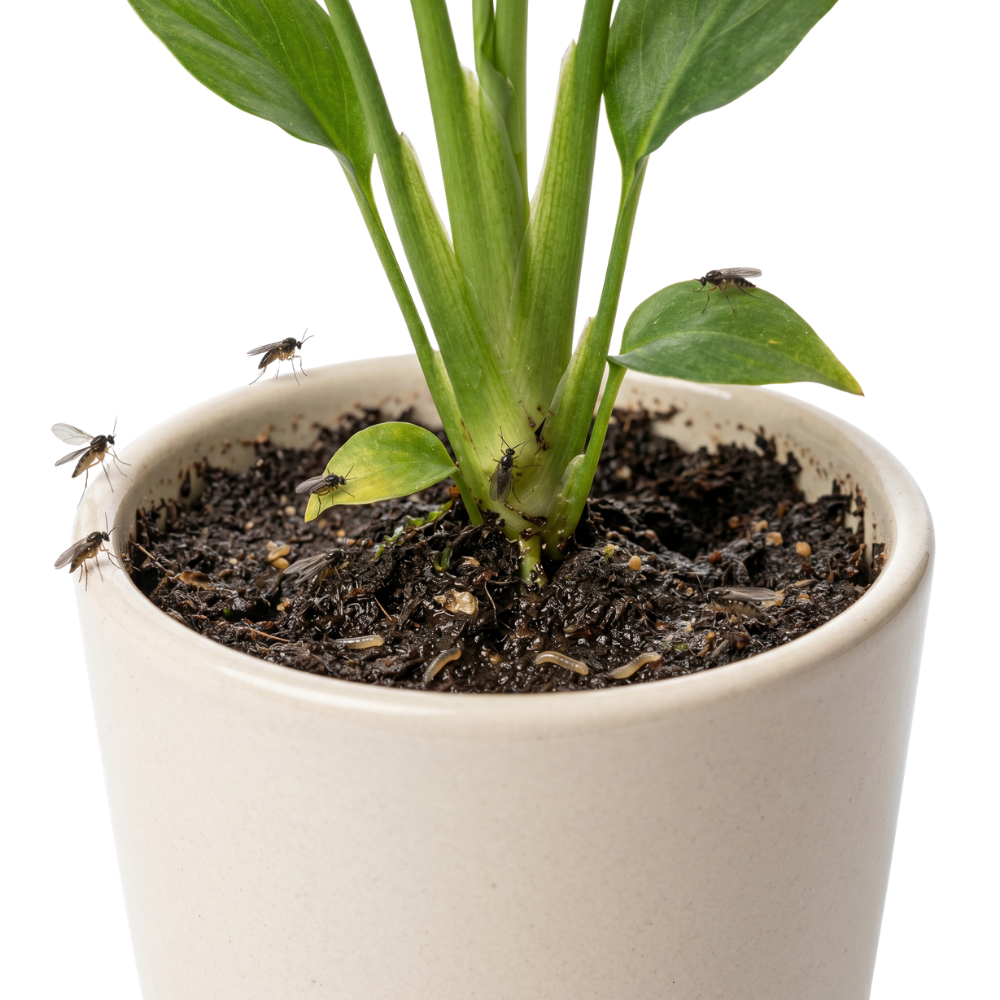
Fungus Gnats
Pest · Soil-borne
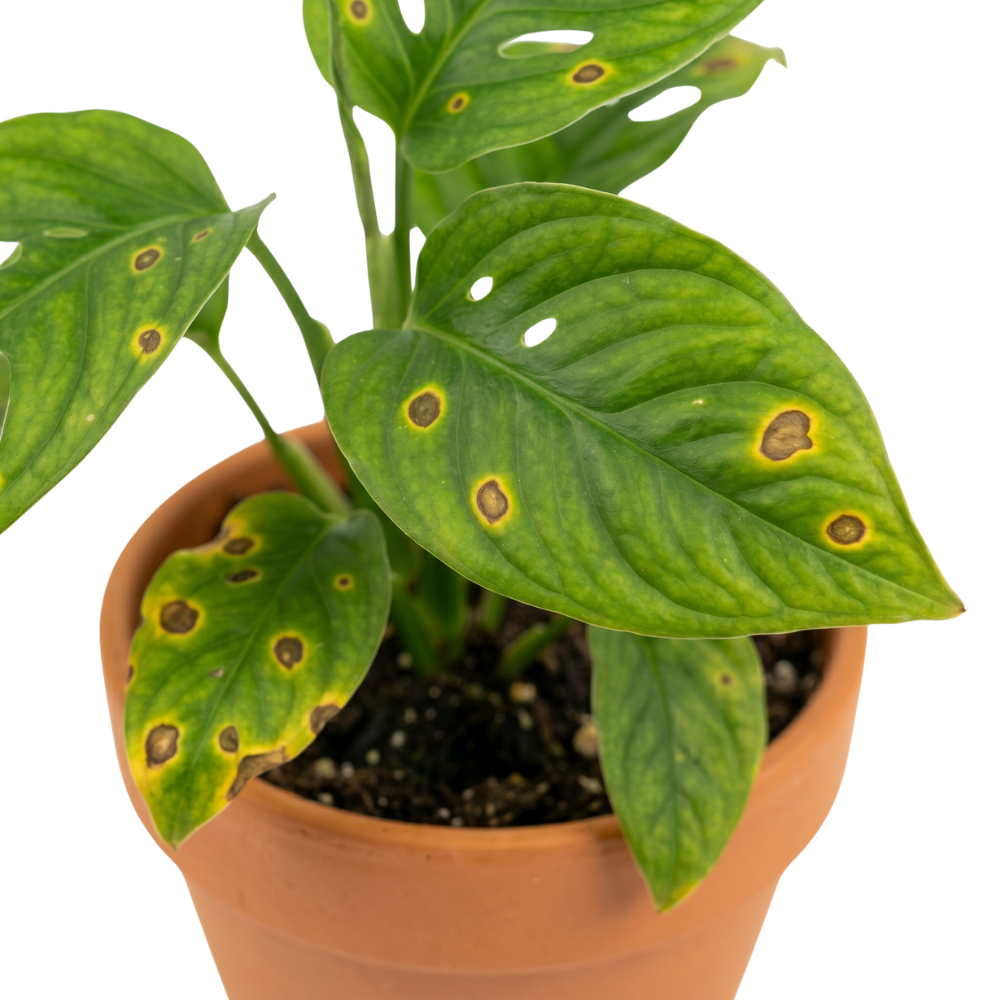
Leaf Spot
Bacterial · Fungal
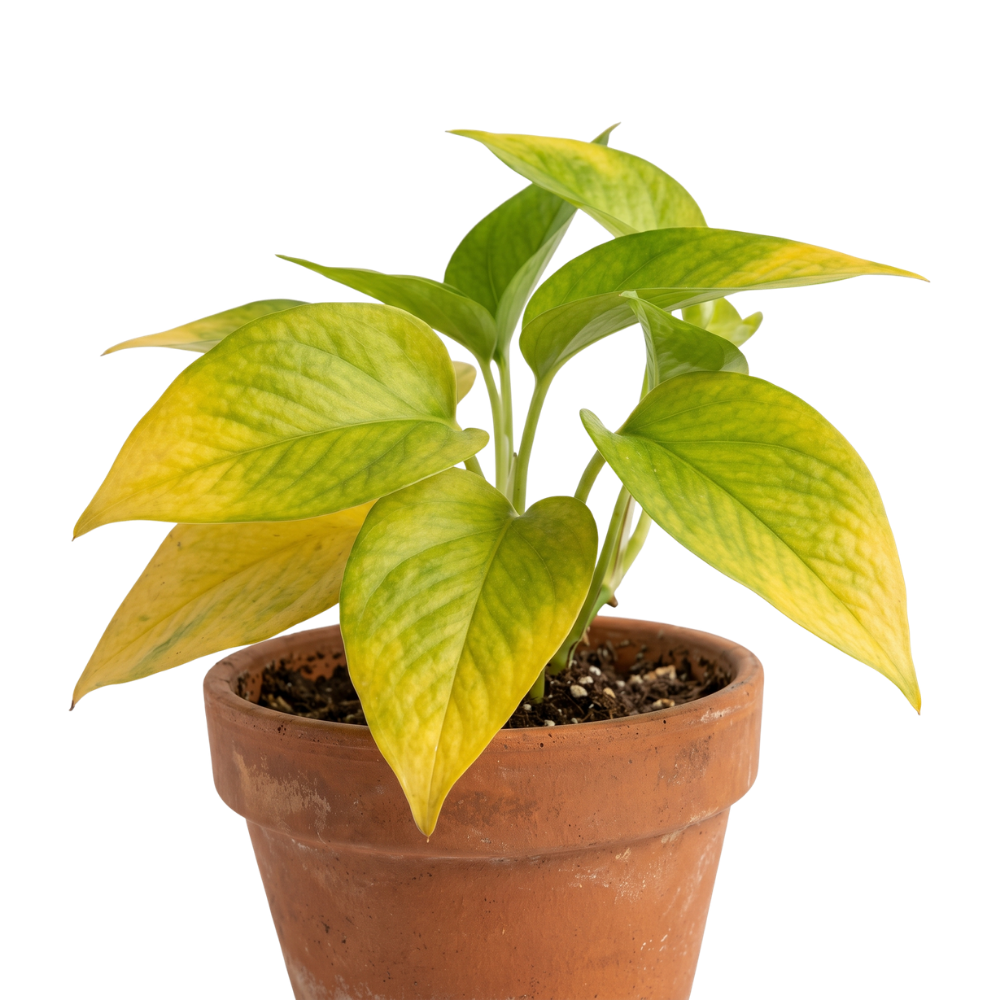
Nitrogen Deficiency
Nutrient · Yellowing
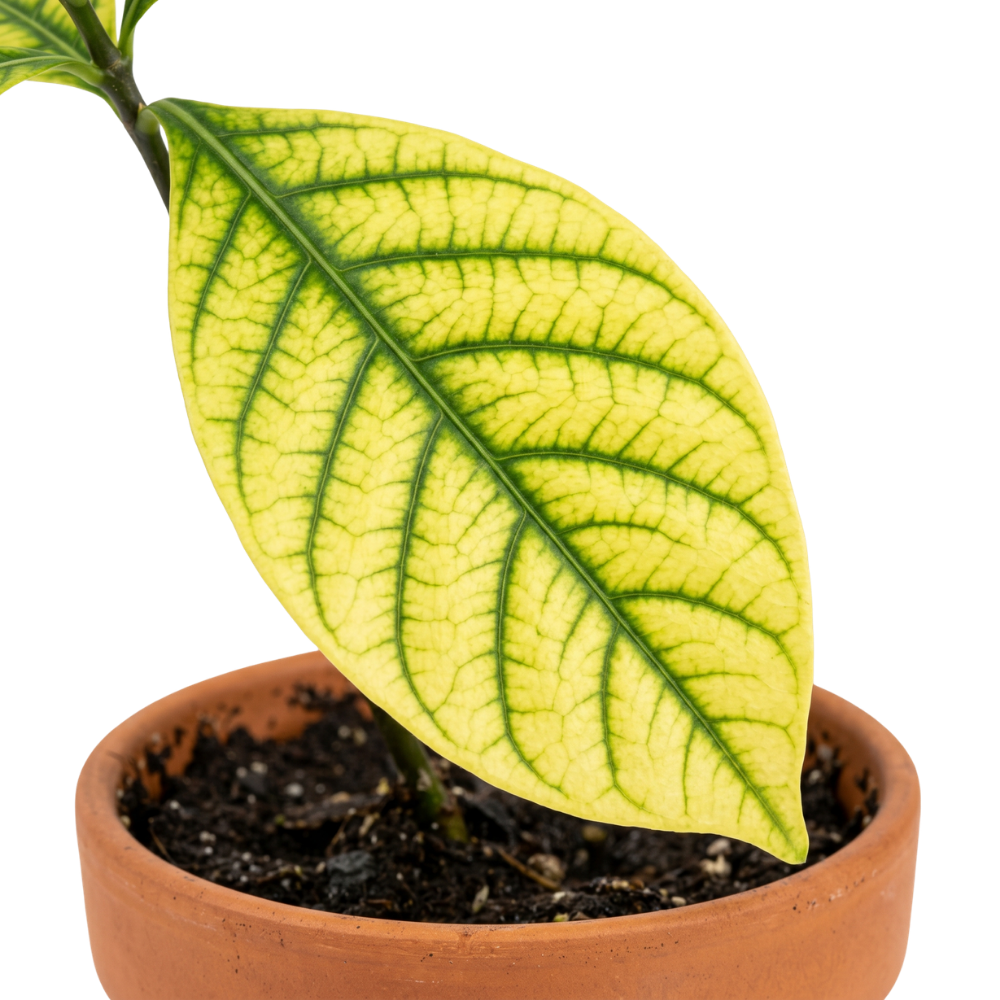
Iron Chlorosis
Nutrient · Vein yellowing
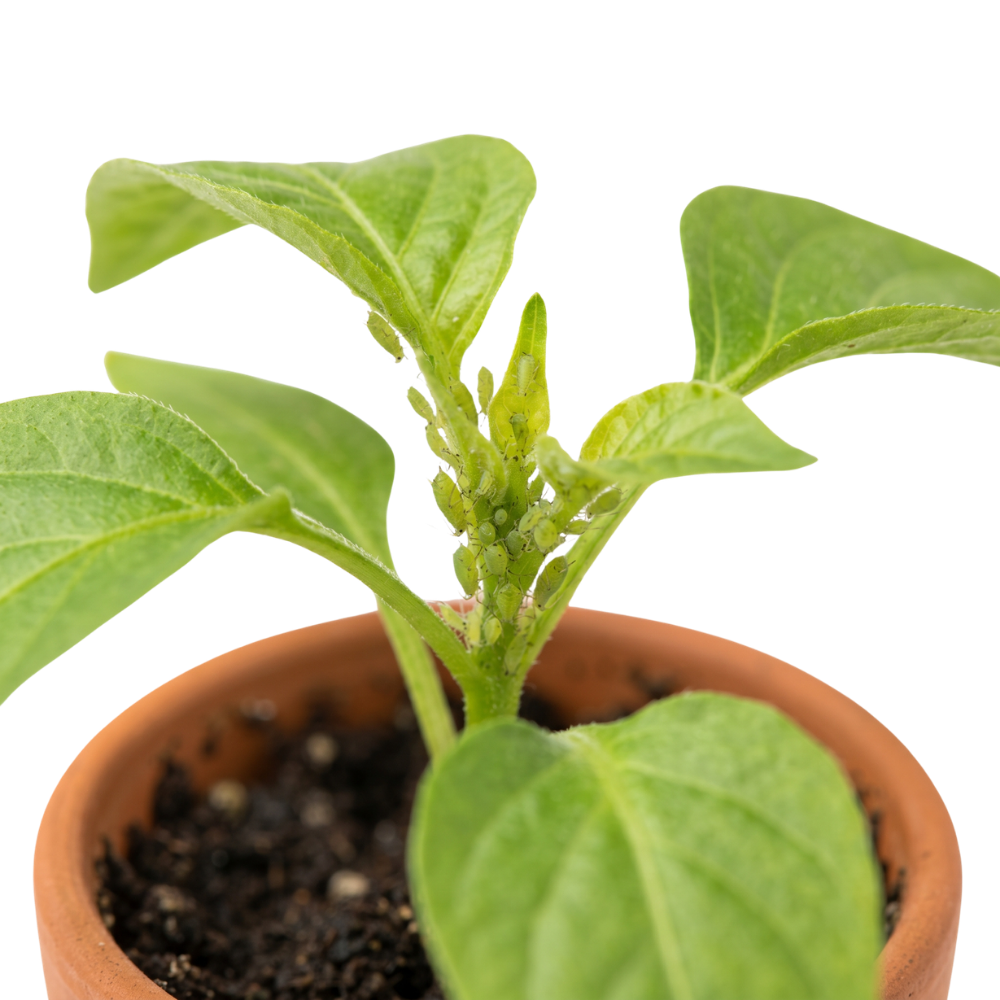
Aphids
Pest · Sap-sucking
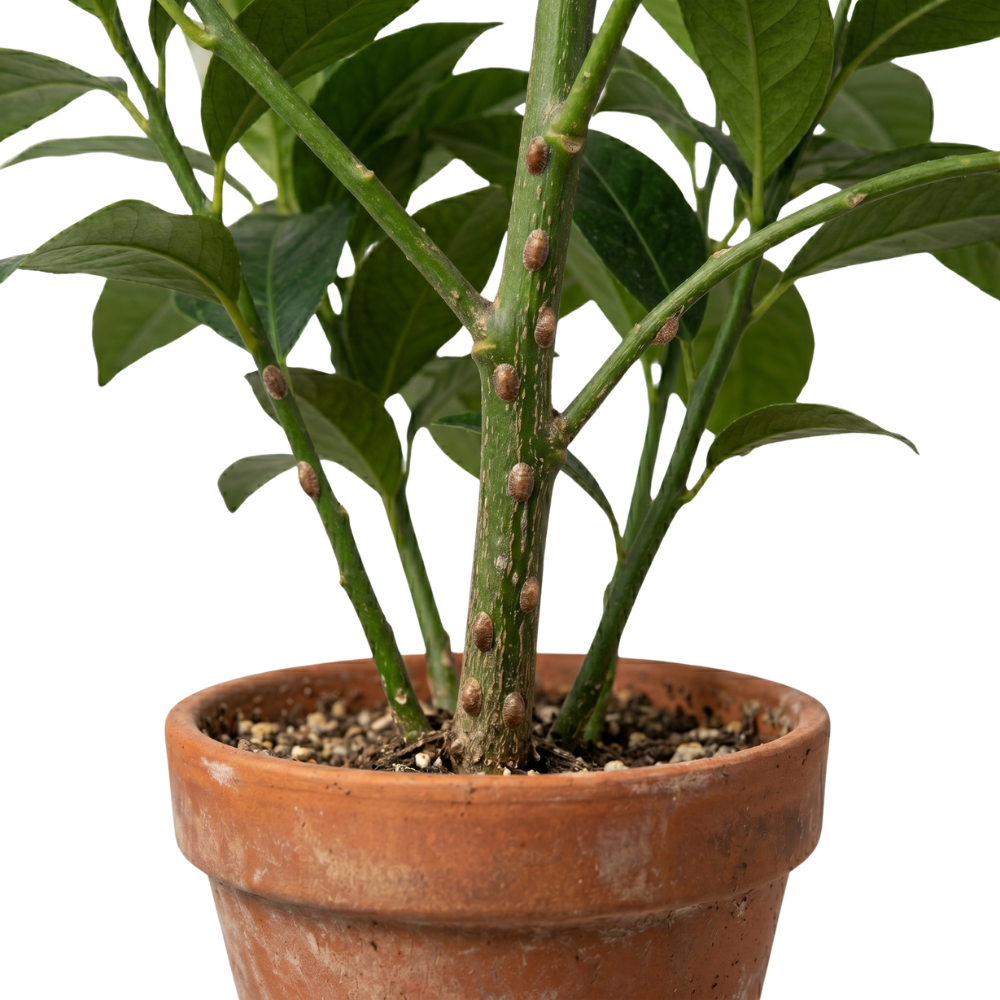
Scale Insects
Pest · Armored bumps
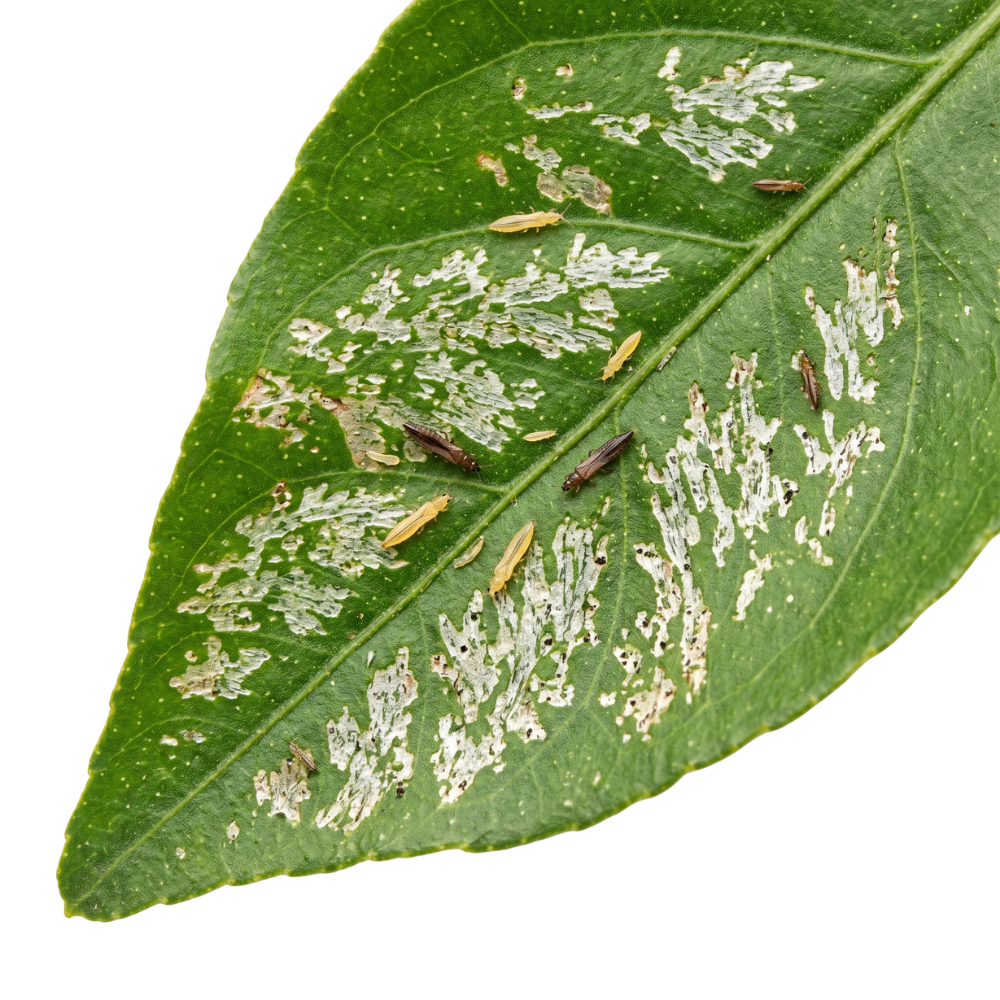
Thrips
Pest · Silver streaks
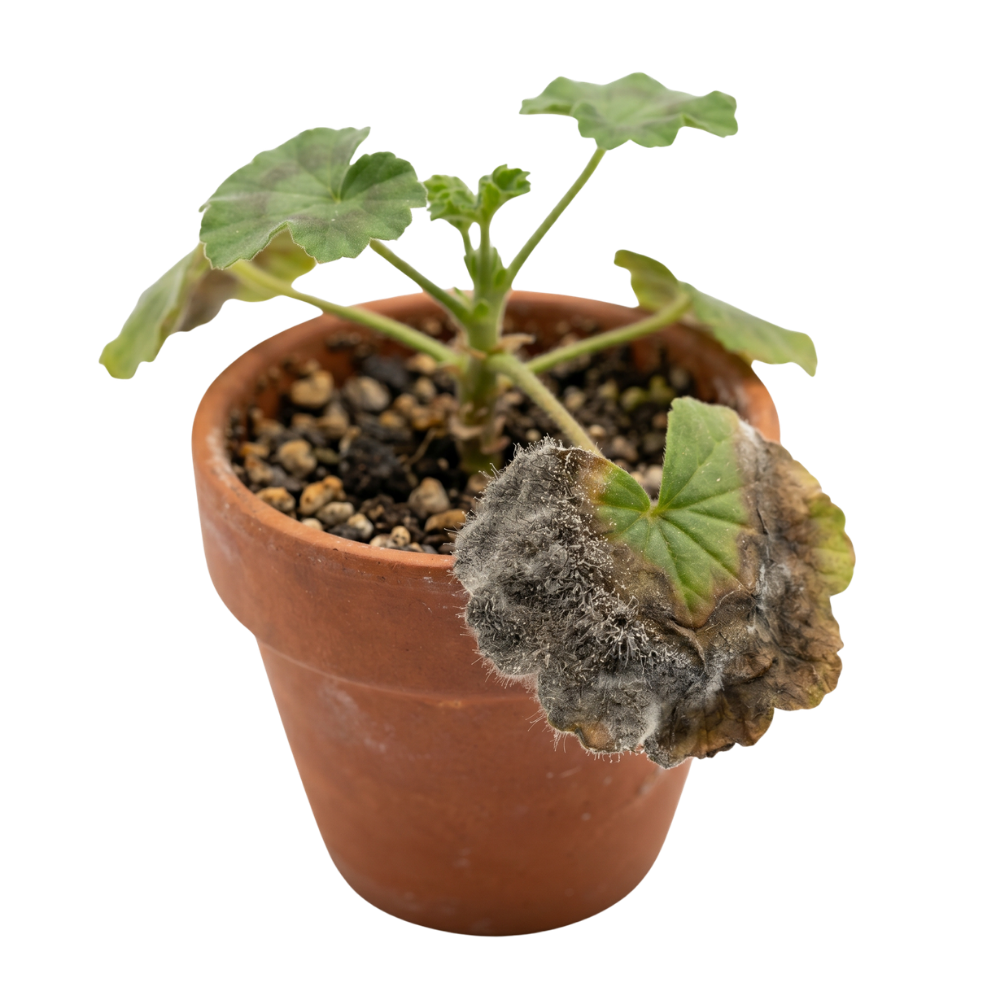
Botrytis
Fungal · Grey mold
How to diagnose your plant
Photograph the symptoms
Take a close-up of the affected leaf or area in natural light. Fill the frame and skip filters for best accuracy.
AI analyzes the damage
Our model checks for 50+ common diseases, pests, deficiencies, and environmental stresses in about three seconds.
Get diagnosis + treatment
You get the problem name, severity, what you're seeing, and a numbered treatment plan you can act on today.
Plant disease identifier FAQ
Is the disease identifier free?+
Yes. 3 free diagnoses per day with treatment plans, no signup. Uses the same AI as our paid app.
How accurate is AI plant disease diagnosis?+
For the 50 most common plant problems — which account for about 95% of typical houseplant and garden issues — the AI is highly accurate when given a clear, close-up photo. Rare diseases and advanced overlapping conditions are harder.
Why are my plant's leaves turning yellow?+
The most common causes are overwatering, underwatering, nitrogen deficiency, iron chlorosis, and natural old-leaf shedding. Upload a photo above — the pattern of yellowing (bottom leaves vs. new leaves, vein pattern, tip vs. edge) tells the AI which cause is most likely.
What's the white powder on my plant's leaves?+
Usually powdery mildew — a common fungal infection that looks like flour dusted on leaves. It thrives in humidity with poor airflow. The tool can confirm and provide treatment.
Can it identify plant pests too?+
Yes. Spider mites, mealybugs, aphids, fungus gnats, scale, thrips, and whiteflies are all covered. A close-up of the pest or the damage pattern it causes both work.
Does it work on outdoor plants and vegetables?+
Yes. The diagnosis works on tomatoes, peppers, roses, cucumbers, lawn grass, and most common garden plants — along with any houseplant.
What if my plant has more than one problem?+
Common — a stressed plant often develops secondary problems. The AI identifies the most prominent issue from the photo. After treating that, photograph again to catch anything else going on.
Can I really save a dying plant?+
Often, yes — if you catch it early. Most plant deaths happen because the owner couldn't identify the problem in time and treated for the wrong thing. Accurate diagnosis in the first 48 hours saves the vast majority of houseplants.
Your plants deserve better than guesswork.
Download LivePlant and keep them alive — one photo at a time.
Download on the App StoreFree to download · iPhone only · iOS 16+ · 7-day Pro trial